Official Helper Tool
Arcade Points Extension
Enhance your Google Cloud Arcade experience with real-time tracking and automated point calculations directly in your browser.
Setup Guide
2
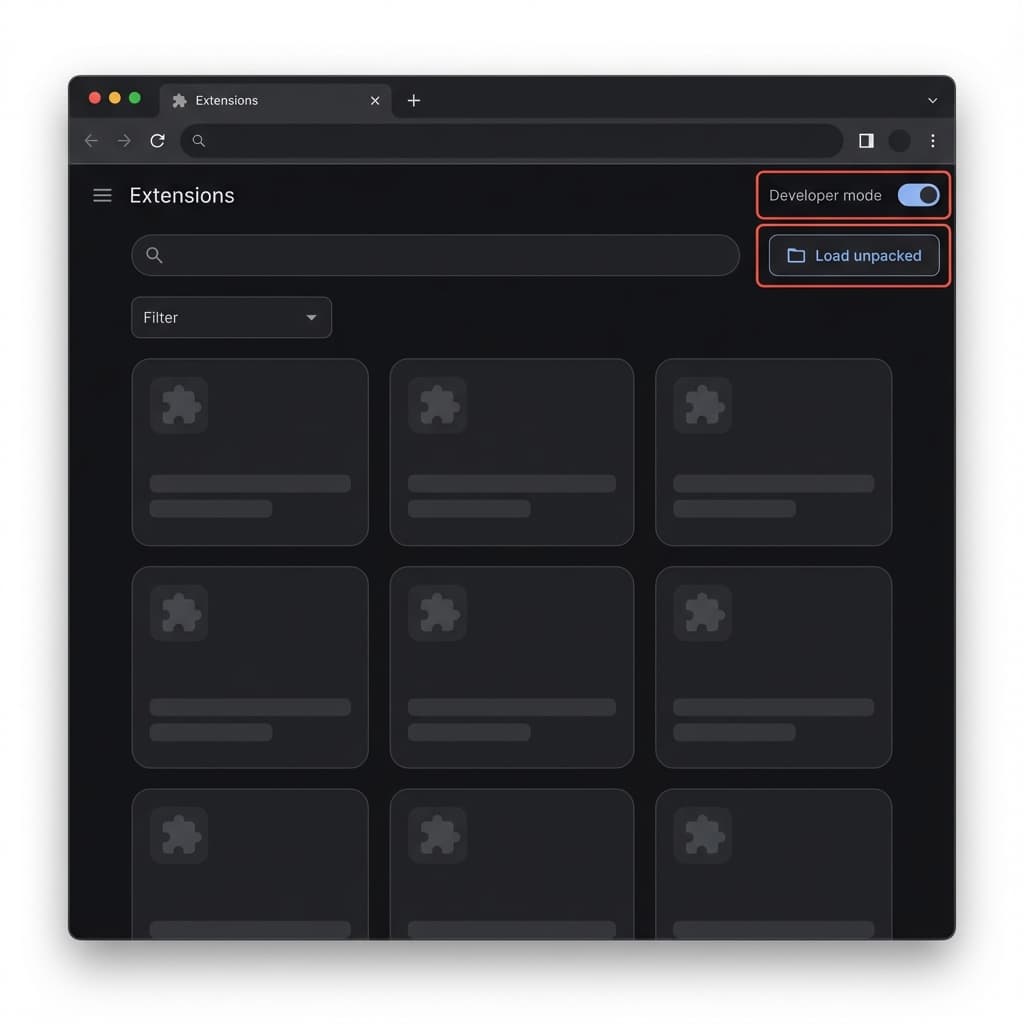
Enable Developer Mode
Since this is a custom tool, you'll need to enable developer features in your browser.
A
Open Chrome and navigate to chrome://extensions/
B
Find the Developer mode toggle in the top-right corner and switch it ON.
Package for Drive
Need to share this extension? Here is how to create a ZIP file for Google Drive.
1
Select Files
Include manifest.json and all icons.
2
Compress
Right-click folder > Send to > ZIP (Compressed).
3
Upload & Share
Set Drive visibility to 'Anyone with link'.
Safe & Secure
Our extension only reads your public profile data. We never ask for passwords or private keys.
- Open Source Scripts
- No Background Tracking